---
description: An introduction to our product and mission
---
# What is Whalesync?
### Welcome! We're so glad you're here. 💙
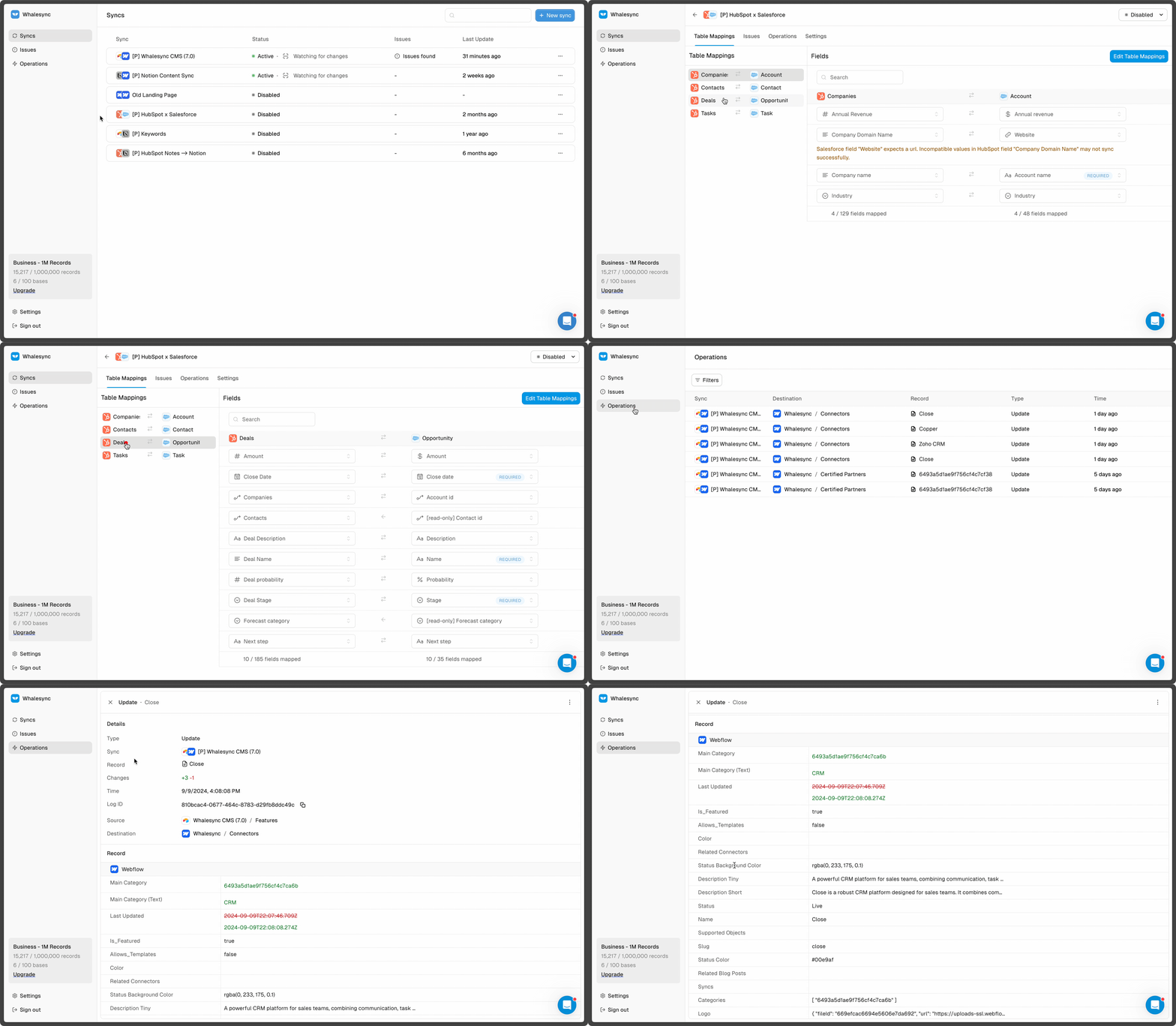
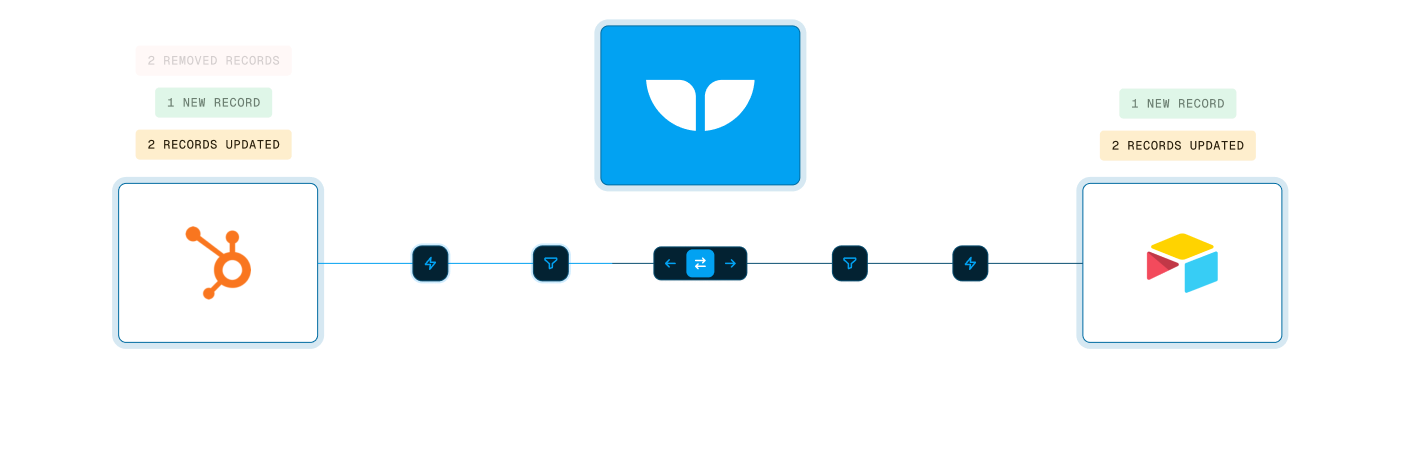
Whalesync is a no-code integration tool that **connects your SaaS apps with your favorite spreadsheet**.
Without any code, you can start controlling your business tools from flexible, easy-to-use spreadsheets like Airtable, Notion, and Google Sheets.
When your apps are deeply connected to spreadsheets you gain work super powers like the ability to:
* Bulk edit records
* Let anyone on the team make updates without training
* Utilize formulas and AI
These super powers enable powerful use cases like:
* Generate thousands of programmatic SEO pages (Webflow + Airtable)
* Track your sales deals in Notion (HubSpot + Notion)
* Build internal tools (Postgres + Airtable)
* Let investors update deals from a sheet (Affinity + Sheets)
## Whalesync is different from tools like Zapier
Our goal is very specific: create a two-way sync between your spreadsheet and your app.
Workflow automation tools like Zapier solve a different problem: on a trigger, run a series of automations.
For more details on the breakdown, check out: [How is Whalesync different from Zapier?](https://www.whalesync.com/blog/how-is-whalesync-different-from-zapier)
## The best way to discover Whalesync is to try it
{% content-ref url="start-here/quick-start" %}
[quick-start](start-here/quick-start)
{% endcontent-ref %}