Merging records
Merging HubSpot records deletes both originals and creates a new one, so Whalesync does the same in your synced Airtable, Google Sheets, or Notion table.
In HubSpot, you have the ability to merge duplicate records.
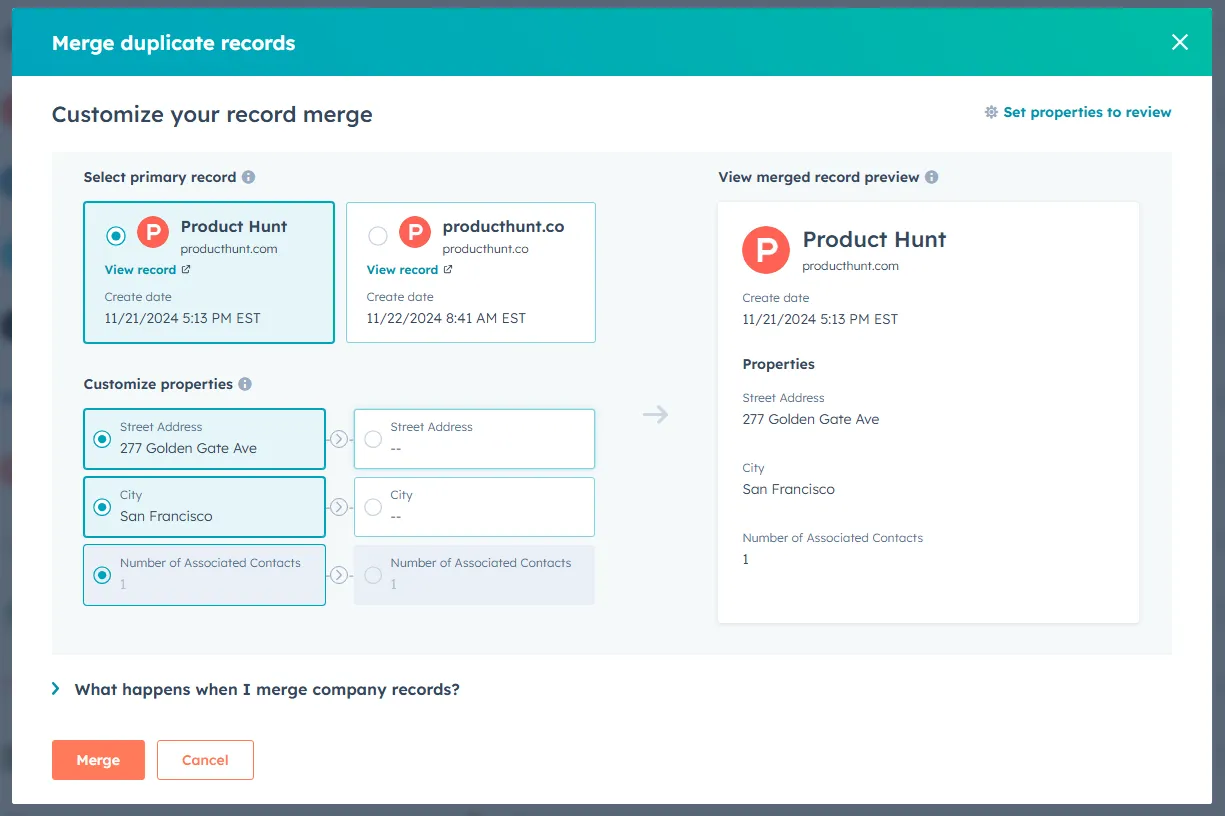
From Whalesync's perspective, here's what happens when merging records:
- HubSpot deletes both of the original records
- HubSpot creates a new record with the properties of the two original records merged in
If you're syncing records to a spreadsheet like Airtable, Google Sheets, or Notion, the following will happen:
- Whalesync will delete both of the original records
- Whalesync will create a new record
If you're using the merge record feature of HubSpot, please take care if you have non-synced fields in your spreadsheet, since the original spreadsheet records will be deleted.