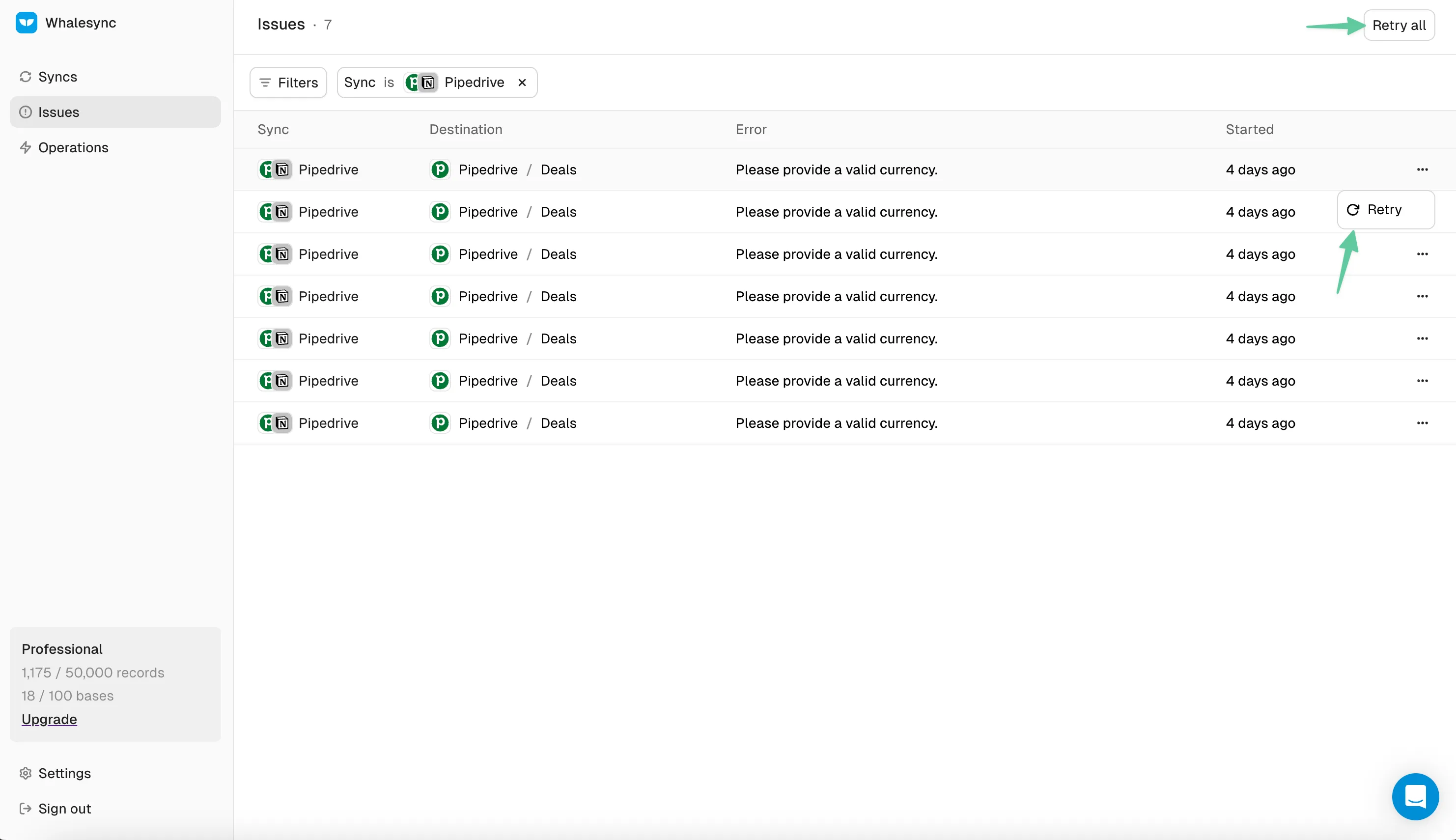
Issues
The Whalesync Issues page lists errors affecting your sync, with the record impacted, the full error message, an AI fix suggestion, and a retry button.


The Issues Page shows any errors impacting your sync. Here you'll see a summary of each error including:
- Which service gave the error (eg. HubSpot)
- When the error started (eg. 50 minutes ago)
- The error message (eg. ValidationError: 'fields.name' is required)
Issue Details
Section titled “Issue Details”To troubleshoot, you can click into Issue Details and see:
- The specific record impacted by the issue
- The full error message from the service throwing the error
- An AI generated suggestion for how to fix it
Retry Sync
Section titled “Retry Sync”Once you've troubleshooted an Issue, you can retry syncing for that record by clicking the retry button.