What is Whalesync?
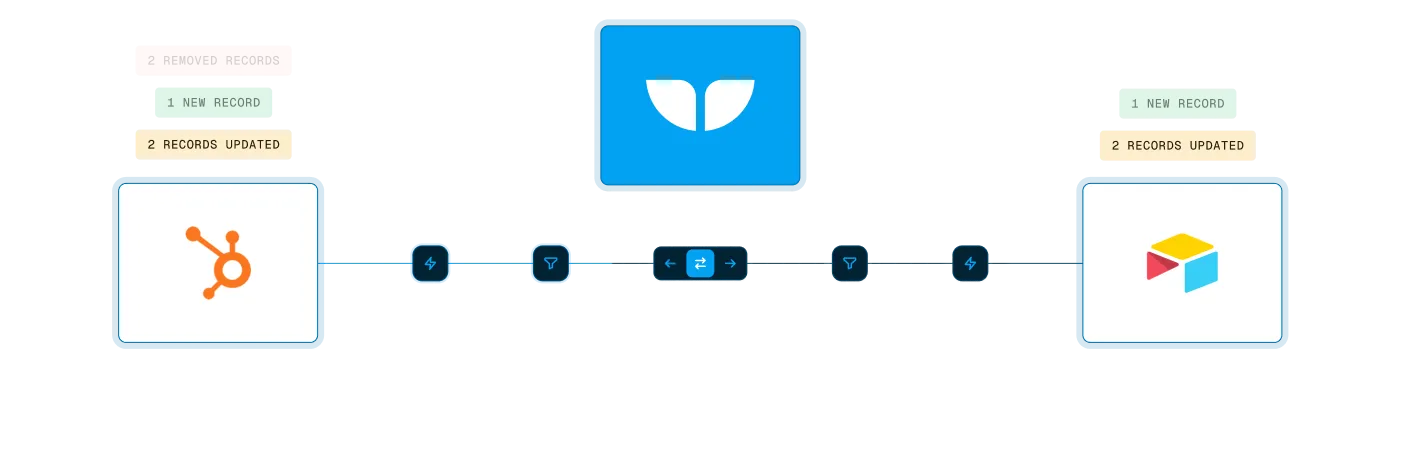
Whalesync is a no-code tool that two-way syncs your SaaS apps with Airtable, Notion, and Google Sheets. What it does and how it differs from Zapier.
Welcome! We're so glad you're here. 💙
Section titled “Welcome! We're so glad you're here. 💙”Whalesync is a no-code integration tool that connects your SaaS apps with your favorite spreadsheet.
Without any code, you can start controlling your business tools from flexible, easy-to-use spreadsheets like Airtable, Notion, and Google Sheets.

When your apps are deeply connected to spreadsheets you gain work super powers like the ability to:
- Bulk edit records
- Let anyone on the team make updates without training
- Utilize formulas and AI
These super powers enable powerful use cases like:
- Generate thousands of programmatic SEO pages (Webflow + Airtable)
- Track your sales deals in Notion (HubSpot + Notion)
- Build internal tools (Postgres + Airtable)
- Let investors update deals from a sheet (Affinity + Sheets)
Whalesync is different from tools like Zapier
Section titled “Whalesync is different from tools like Zapier”Our goal is very specific: create a two-way sync between your spreadsheet and your app.
Workflow automation tools like Zapier solve a different problem: on a trigger, run a series of automations.
For more details on the breakdown, check out: How is Whalesync different from Zapier?