Common errors - Notion
Fix Notion errors in Whalesync: no databases shared via the integration token, no page authorized for auto-created tables, and Notion's field option limit.
There are no databases shared via this integration token. Please share at least one database and try again.
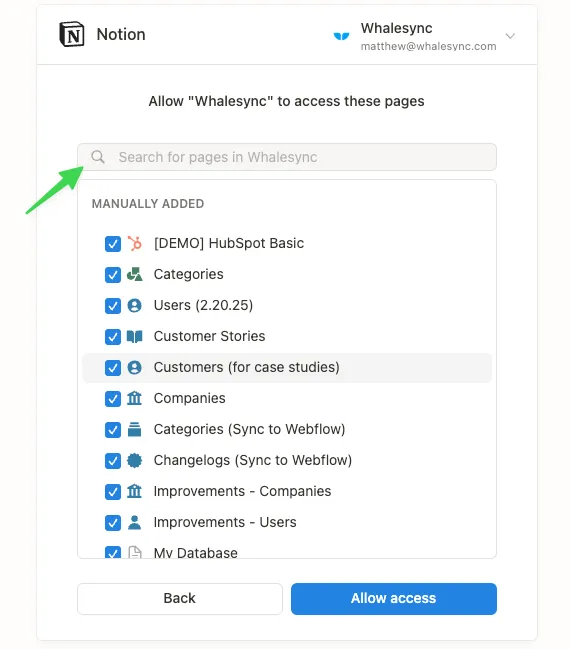
Section titled “There are no databases shared via this integration token. Please share at least one database and try again.”When authorizing Notion, you must search for and select the specific database you want to sync and not just the page the database lives in.
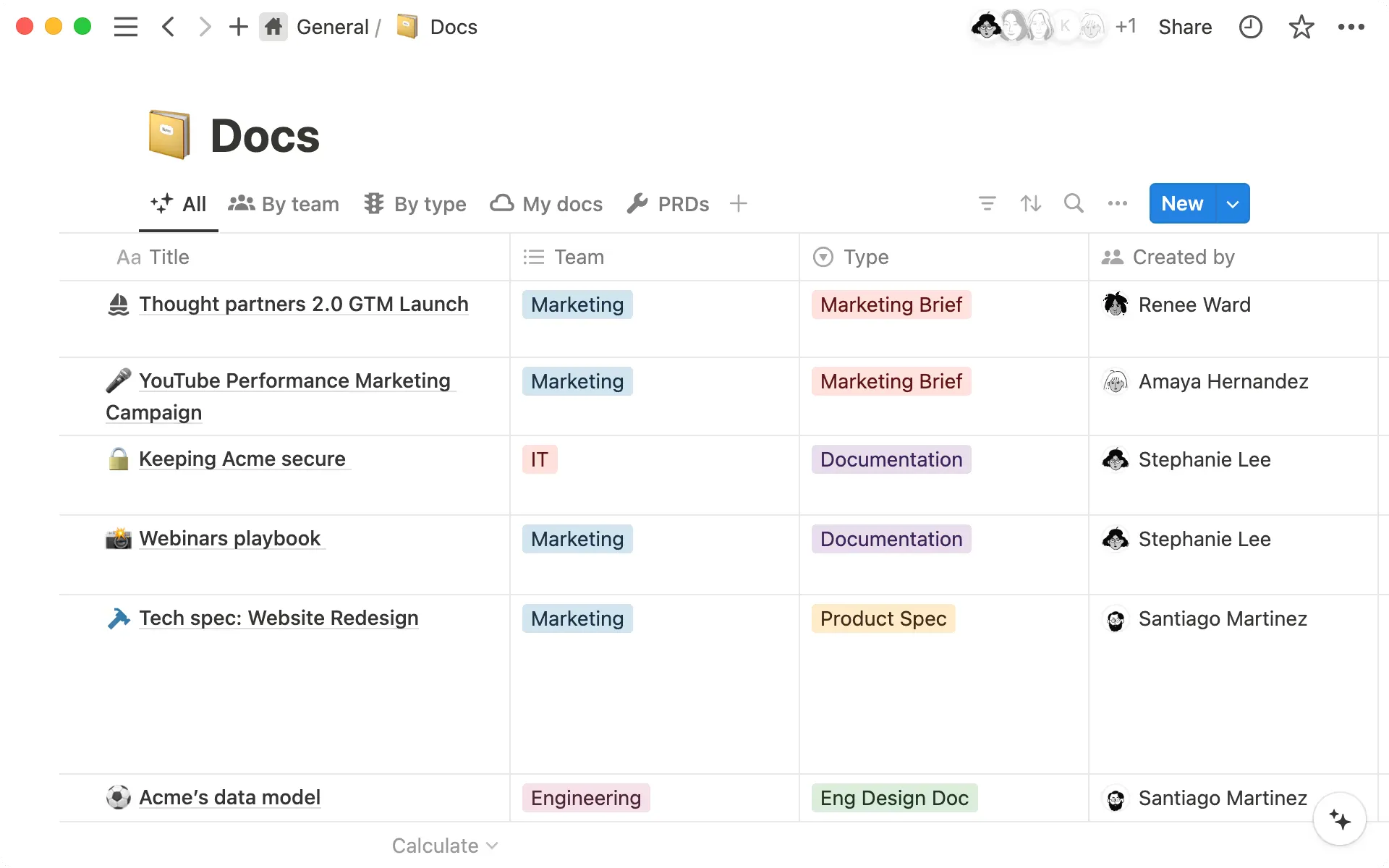
A Notion database looks like this in Notion:
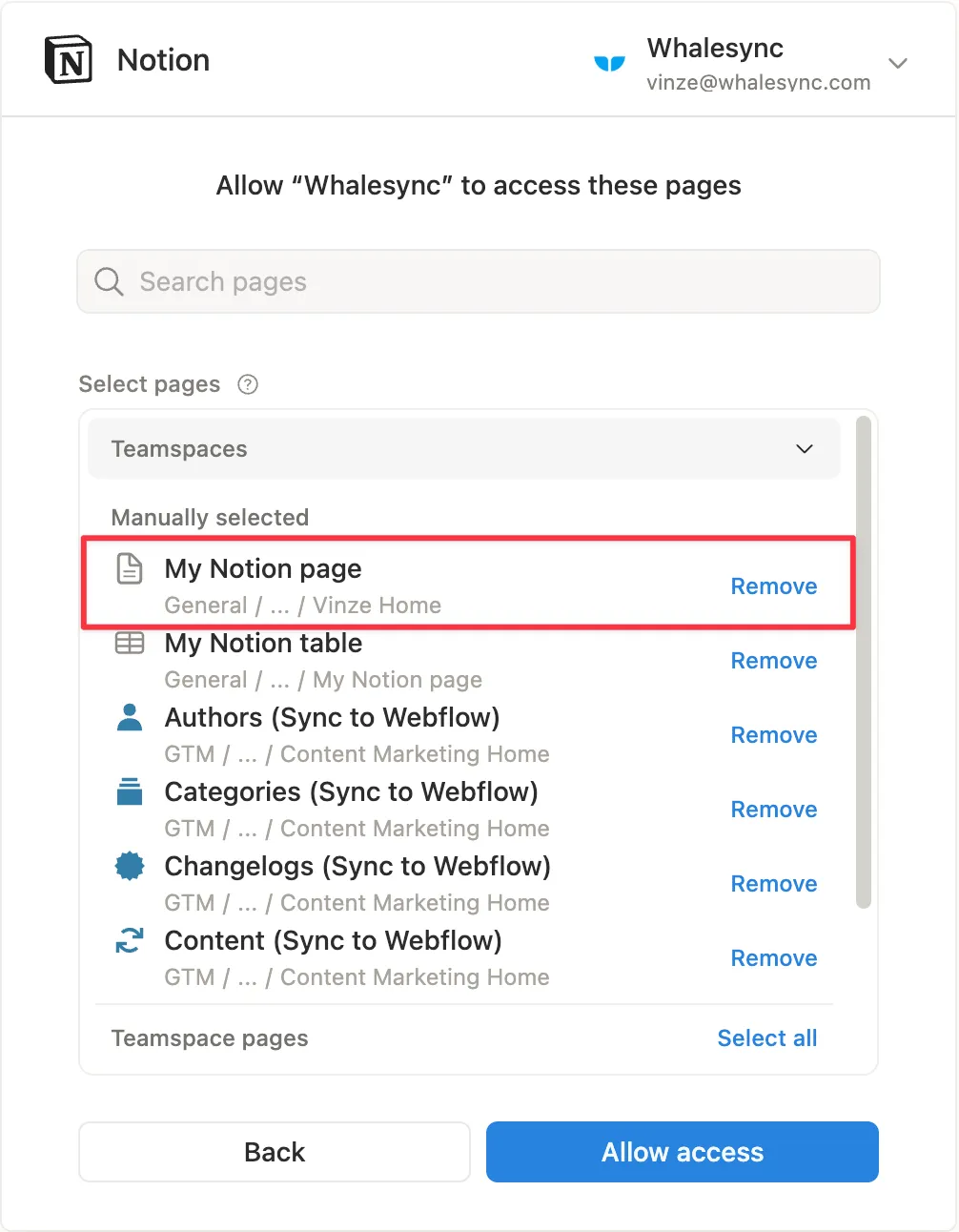
“You have not authorized access to a page that can be used as a base for a sync. Please reauthorize the workspace and a page.”
Section titled ““You have not authorized access to a page that can be used as a base for a sync. Please reauthorize the workspace and a page.””Whalesync can auto-create tables and fields in Notion. To support this, Notion requires you to authorize a Notion page in addition to the databases used for syncing. The Notion page you authorized will be the destination for all auto-created tables and fields, should you choose to use this feature.
Notion limit on number of Options in a field
Section titled “Notion limit on number of Options in a field”Whalesync can sync option fields from other apps into Notion, but Notion limits how many options one select or multi-select field can have. If your field has more options than Notion allows, map it to a Notion text field instead, and the values will sync as a comma-separated list.